
Check if an Image is AI Generated
AI image detection helps you check if image is AI generated in seconds, with an AI probability score and confidence level.
Or choose an example
Image URL
How Does AI Image Detection Work?
Want to check if a photo is real or AI? Our AI photo detector gives you the answer in seconds — free.
- 1
Upload or paste a URL
Give the AI generated image checker a JPG, PNG, or WebP file, or paste a public image link.
- 2
 Analyzing…
Let our AI analyze it
The detector evaluates statistical signals associated with synthetic and human-made imagery.
- 3Likely AIAI probability87%High confidence
Read the verdict
The AI image detector labels the image as real, AI, or uncertain — in seconds.
See the AI photo detector in action
Every check from the AI image checker tells you how likely the picture is AI — and how confident the result is.
Sample resultHigh confidence
Built for images from popular AI generators
Coverage varies by model, image type, and post-processing, so use the result as one signal.
Why trust this AI image detector
No image storage
Submitted image files are processed for the requested check and are not added to detection history.
Confidence, not guesswork
Every result includes a probability-style score and confidence label, plus guidance on the detector's limitations.
Developer-ready API
One REST endpoint returns the same verdict as the web tool — integrate detection at scale.
Don't get fooled by fakes
Realistic fakes are no longer a novelty — they're being used to deceive, defraud, and manipulate. Here's what's at stake.
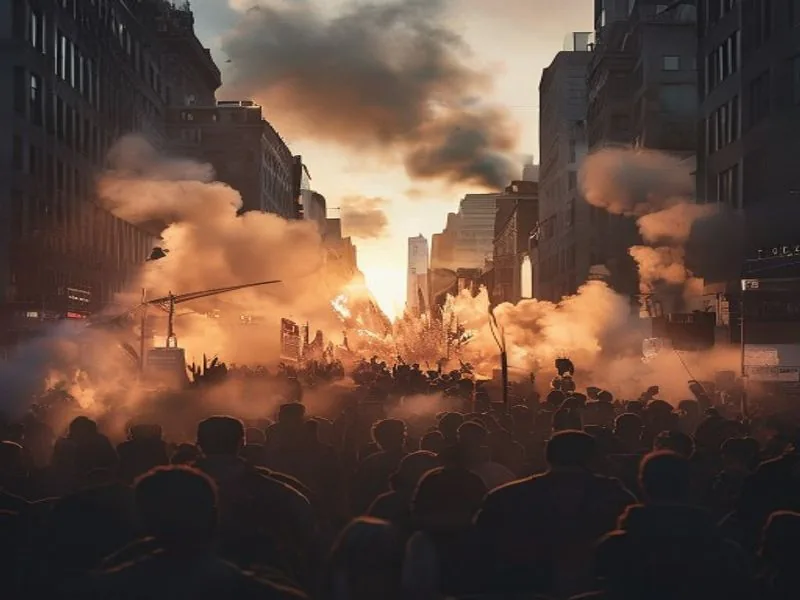
Fake news & propaganda
A single fabricated photo of an event that never happened can spread across social media in minutes. AI generated images invent protests, disasters, and statements from public figures — shaping opinion before fact-checkers can respond. Verifying an image before you share it stops misinformation at the source.

Identity fraud & fake profiles
Scammers spin up thousands of convincing fake personas using AI generated faces that belong to no real person. These profiles power romance scams, fake reviews, and coordinated influence campaigns. A quick detection check reveals whether the face staring back at you was ever real.
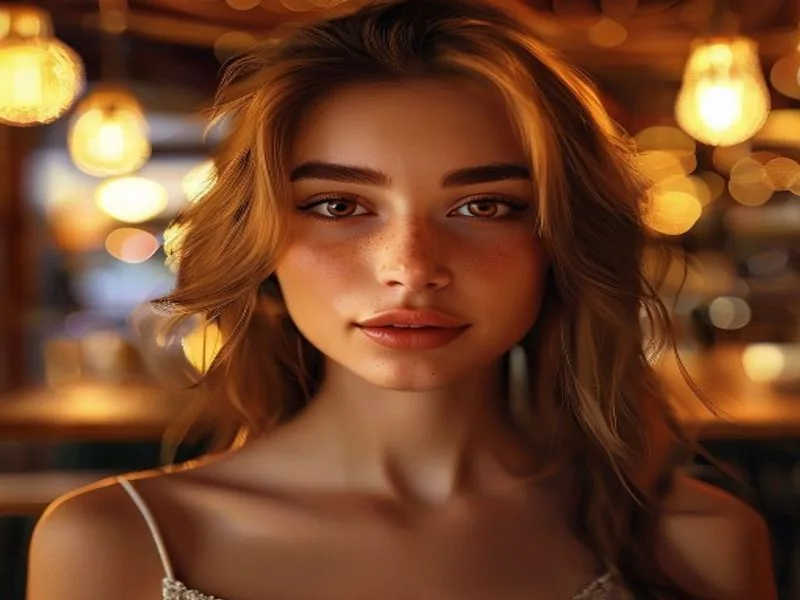
Dating app catfishing
AI generated portraits make catfishing effortless — the photos are flawless, unsearchable by reverse image lookup, and unique to each victim. Before you trust someone behind a screen, checking their photos for AI fingerprints can save you from an expensive, painful deception.
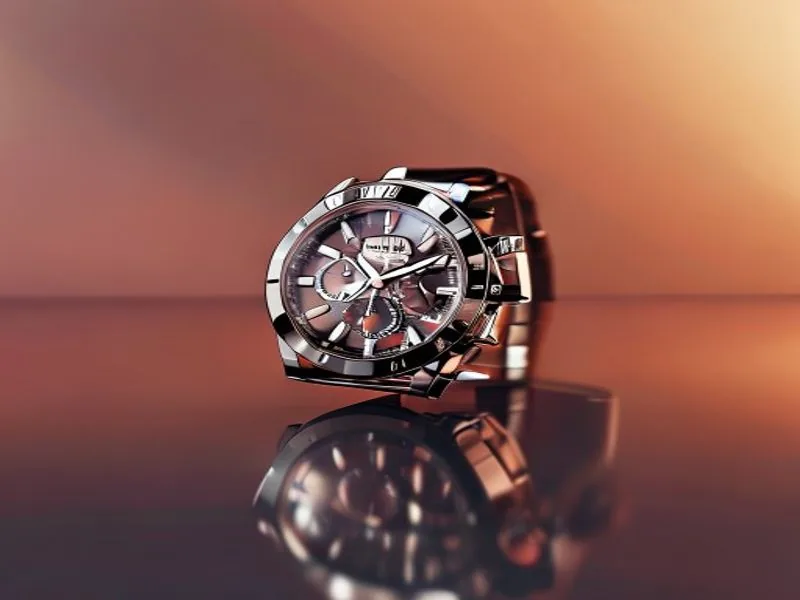
E-commerce & marketplace scams
Fraudulent listings use AI generated product shots and fake 'real photos' to sell items that don't exist or look nothing like what arrives. Marketplaces and buyers alike use detection to flag listings whose imagery was synthesized rather than photographed.
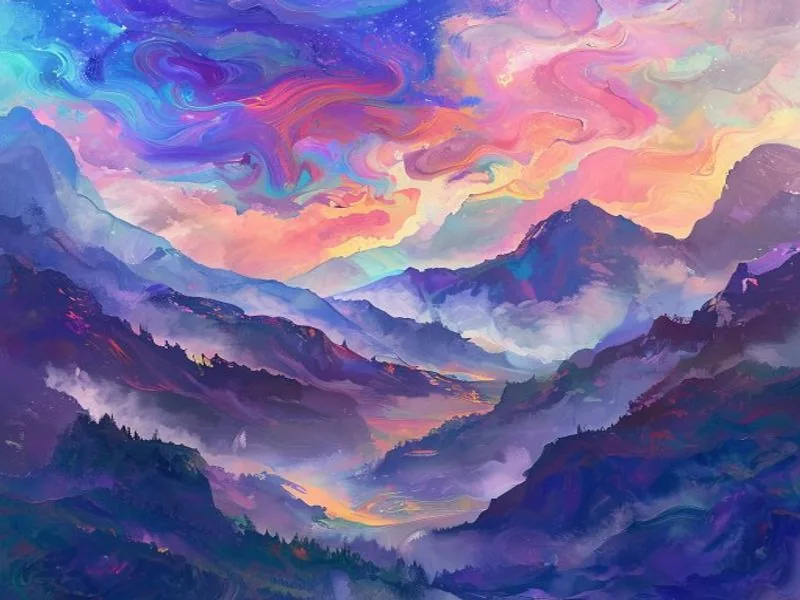
Art theft & undisclosed AI
AI art passed off as handmade undercuts real artists, wins contests it shouldn't, and violates 'no AI' submission rules. Galleries, competitions, and clients use detection to confirm a piece was actually created by a human hand.
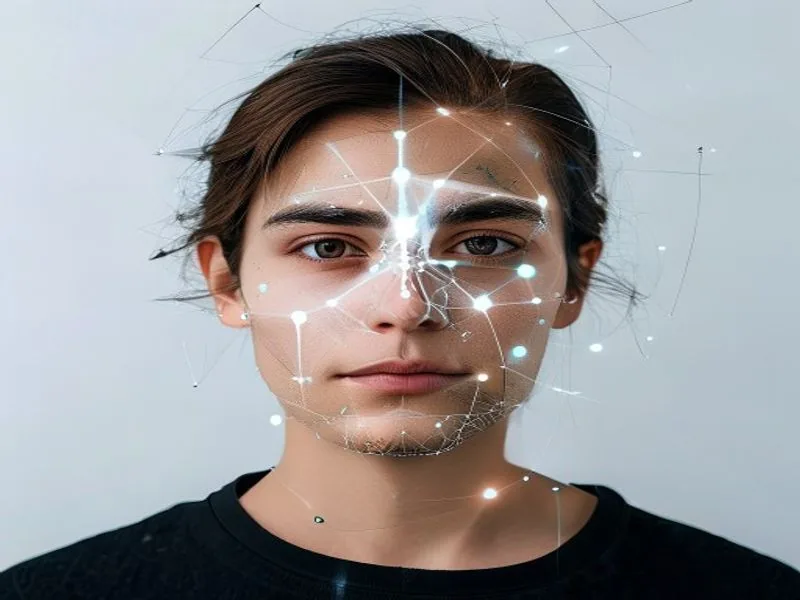
KYC & document fraud
Financial platforms face a surge in AI generated ID photos and selfies designed to bypass identity verification. Detecting synthetic imagery is becoming a frontline defense against account fraud, money laundering, and stolen-identity onboarding.

Travel & rental scams
Fake listings use AI generated photos of hotels and vacation rentals that don't exist — pristine pools, ocean views, spotless rooms. Travelers pay deposits for properties they'll never check into. Detection flags a listing whose 'photos' were generated, not taken.
Check if an Image is AI Generated for Free
Use this free tool to check if image is AI generated in seconds. AI image detection analyzes visual patterns and estimates whether a picture came from an AI model rather than a camera or human artist. Each check returns a verdict, probability-style score, and confidence label. Whether you are a journalist verifying a source, a shopper checking a product photo, a recruiter reviewing a profile, or simply curious about an image you saw online, you can start without creating an account or installing anything.
How our AI image detector works
When you upload a photo or paste an image URL, the detector evaluates statistical patterns associated with authentic and AI generated imagery. A scan can consider signals that the human eye may miss, including texture regularity, frequency-domain artifacts, and other model fingerprints. Instead of a simple yes or no, it returns a probability-style score from 0 to 100 percent together with a confidence label. See our methodology and limitations pages for the exact interpretation thresholds and important caveats.
When to use an AI image detector
Photorealistic fakes now appear everywhere: in news feeds, on dating apps, across online marketplaces, and inside job and loan applications. An AI image checker helps you verify a photograph before you trust it, share it, or publish it. Newsrooms screen images before a story runs, buyers confirm that a listing photo is genuine, artists prove their work was made by hand, and trust-and-safety teams flag synthetic media at scale. Any time an image could influence a decision, a quick check is worth the few seconds it takes.
How accurate is an AI image detector?
No detector is correct 100 percent of the time. Images that have been heavily edited, compressed, or screenshotted are harder to classify, and new generators are released constantly. Treat the score as a strong signal rather than absolute proof: a high result means the image is very likely synthetic, while a low score points to a genuine photograph. For high-stakes decisions, pair the AI image detector's verdict with other evidence and your own judgment.
Free to use, with an API for developers
You can run the AI image detector for free on this page, with no signup required for your first checks. It doubles as an AI photo detector for portraits, product shots, and profile pictures alike. Create a free account to unlock more free checks and a searchable detection history. Developers on paid plans can call the very same engine through our API — a single request per image returns the same verdict, score, and confidence you see in the web tool.
Frequently asked questions
Everything you need to know before getting started.
How to check if image is AI generated?
Upload the picture to the AI image detector above or paste its direct URL. In a few seconds, you will get a likely AI, likely human, or uncertain verdict with an AI probability score and confidence level. Visual clues such as malformed hands, garbled text, or inconsistent lighting can help, but modern generators increasingly avoid them, so use the detector as one signal alongside the image's source and context.
What is AI image detection?
It is the process of analyzing visual and statistical patterns to estimate whether an image was generated by an AI model or created by a human or camera. The result is probabilistic rather than proof, so edited, compressed, or screenshotted images may be harder to classify.
How accurate is the detector?
The detector evaluates statistical image patterns and returns a probability-style score from 0 to 100% with a confidence label. No detector is right 100% of the time: heavily edited, compressed, or screenshotted images are harder to assess, and unfamiliar generators may be missed. Treat a high score as a useful signal rather than proof, and for high-stakes decisions pair it with context and other evidence.
Which image formats and sizes are supported?
JPG, PNG, and WebP files up to 8 MB. You can either upload a file directly or paste an image URL. If you use a URL, it must be a direct, public link to the image file itself — links that redirect, require login, or point to a web page rather than the image won't load. When in doubt, download the image and upload the file.
Do you store my images?
The submitted image file is processed only to provide the requested check and is not added to detection history. For signed-in users, result metadata such as the score and verdict may be saved so it appears in detection history. Processing may use contracted operational services under security and data-protection obligations; see the Privacy Policy for details.
Is it free to use?
Yes. You can run a few checks right away without even creating an account — just upload an image and see the result. Create a free account to get a batch of free checks to start with, plus a saved detection history. API access is reserved for paid plans, which also add a monthly allowance that renews each cycle, higher rate limits, and priority support when you need to detect at scale.
Is there an API for developers?
Yes, on paid plans. A single endpoint — POST /v1/image/detect — accepts a file upload or an image URL and returns the verdict, AI-probability score, and confidence level as JSON. It runs the same engine as the web tool and draws from the same credit balance, so there's no separate metering. Authenticate with an API key, mind the per-key rate limit, and see the API docs for full request, response, and error details.
Check your first image now
Free to try, no account needed to start. Upload an image or paste a URL and get an AI probability in seconds — or wire it into your product with the API.